
``Gemini is convenient, but I want to adjust my answers to be more accurate.'' ``I want to change the wording, but asking a question from scratch is a hassle...'' In such cases, the ``regenerate'' and ``rewrite'' functions provided by Gemini will come in handy.
In this article,How to regenerate Gemini answersandHow to rewrite the answerI will explain in detail. By following a few simple tips, you will be able to get answers that better match your intentions.
table of contents
How to regenerate answers in Gemini
The ability to regenerate answers is useful when you want an answer with a slightly different perspective or phrasing. Since the regenerated answers can be switched as different versions, it is also possible to consider and compare multiple answers. however,Only the most recent answers can be regenerated in chatPlease note that.
Steps to regenerate answers
[WEB]
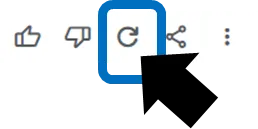
Click the "Regenerate icon" below the latest answer. Click to regenerate the content and display a new version of the answer.
[Gemini mobile app]
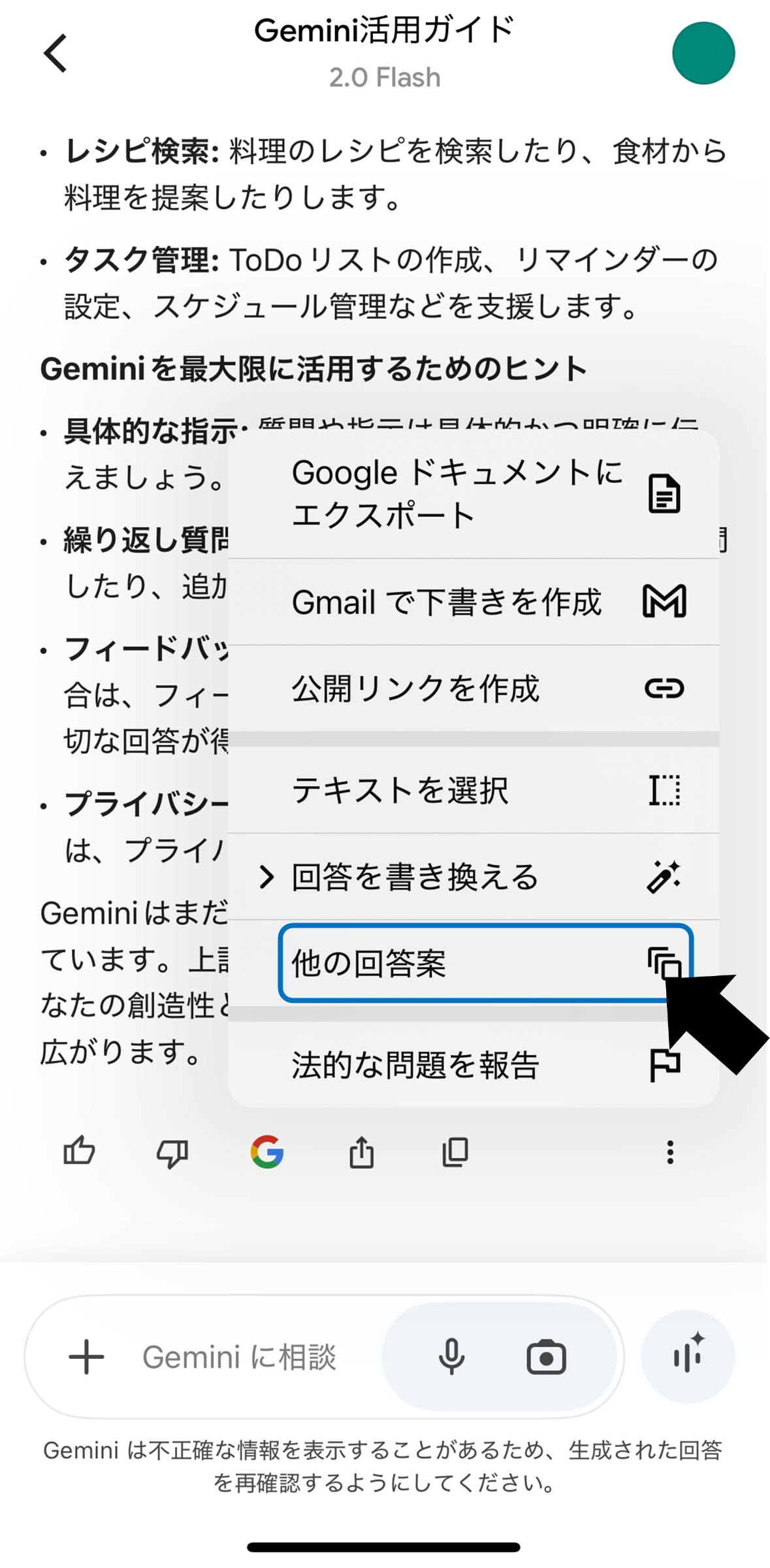
Tap the "More icon" below the answer and select "Other suggested answers" from the menu that appears.
Switch to another version of the answer
[WEB]
By clicking the "arrow icon" below the answer, you can switch to a different version of the answer that was generated in the past.

[Gemini mobile app]
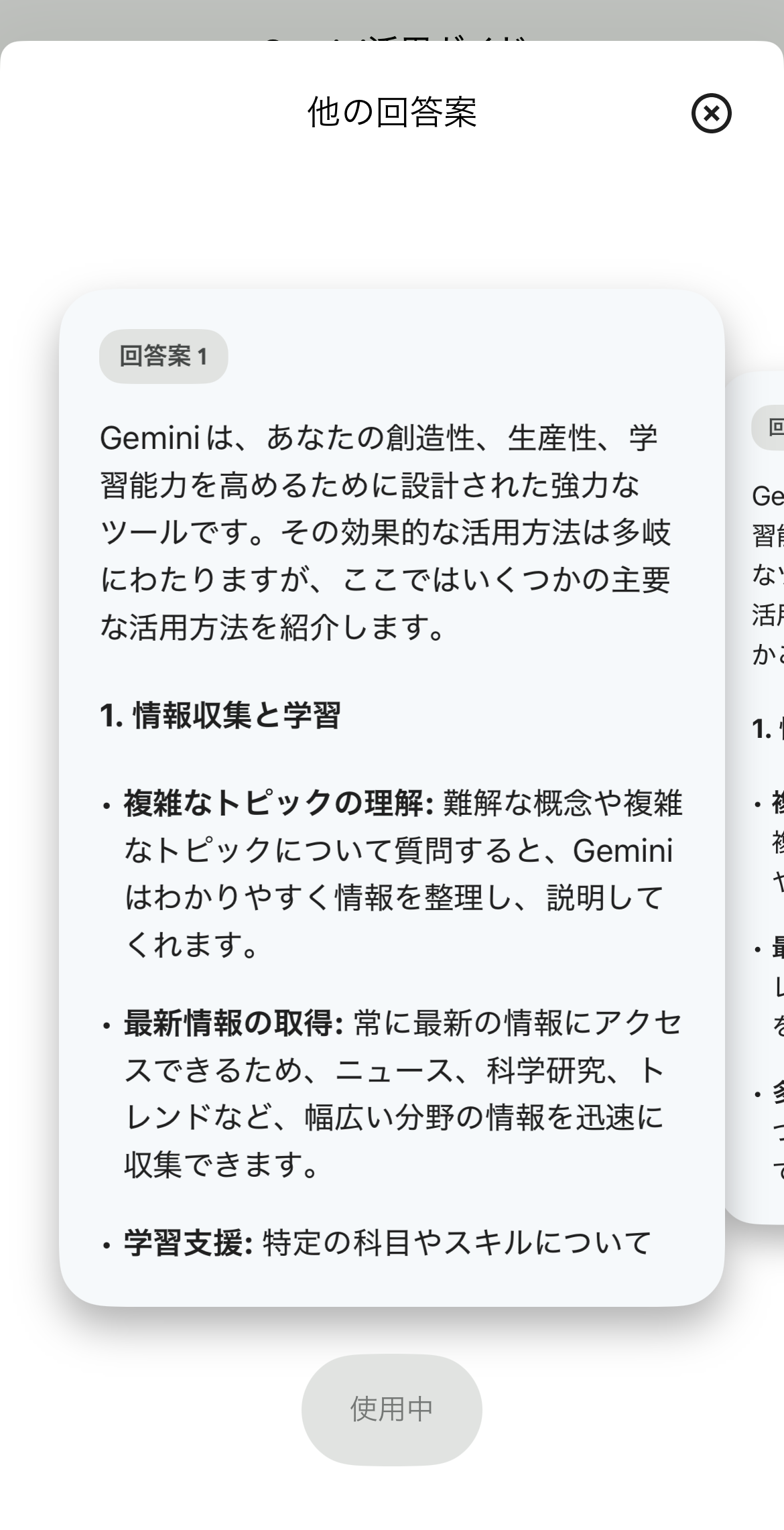
Tap the "More icon" below the answer and select "Other suggested answers" from the menu that appears. You can check multiple patterns by swiping to move to the end of the proposed answer. If there is an existing answer plan that is similar to your objective, you can apply it by tapping "Use this answer idea" below the answer idea.
How to rewrite Gemini answers
Rather than "regenerating", it is useful when you want to make use of the existing answers and "rewrite" them to your liking.Ask them to change their answers during an ongoing conversationThat's the approach.
for example,
“I want the expression to be simpler.”
“I would like the content to be a little more detailed.”
"I would like you to add an explanation of technical terms"
If you make an additional request or a rewrite request, Gemini will adjust the answer to suit your request.
The specific method is very simple. For example, by simply sending a request via chat such as ``I want to know more about 〇〇'' or ``I would like you to include more specialized data in your answer,'' the system will expand or rewrite the content of your existing answer.
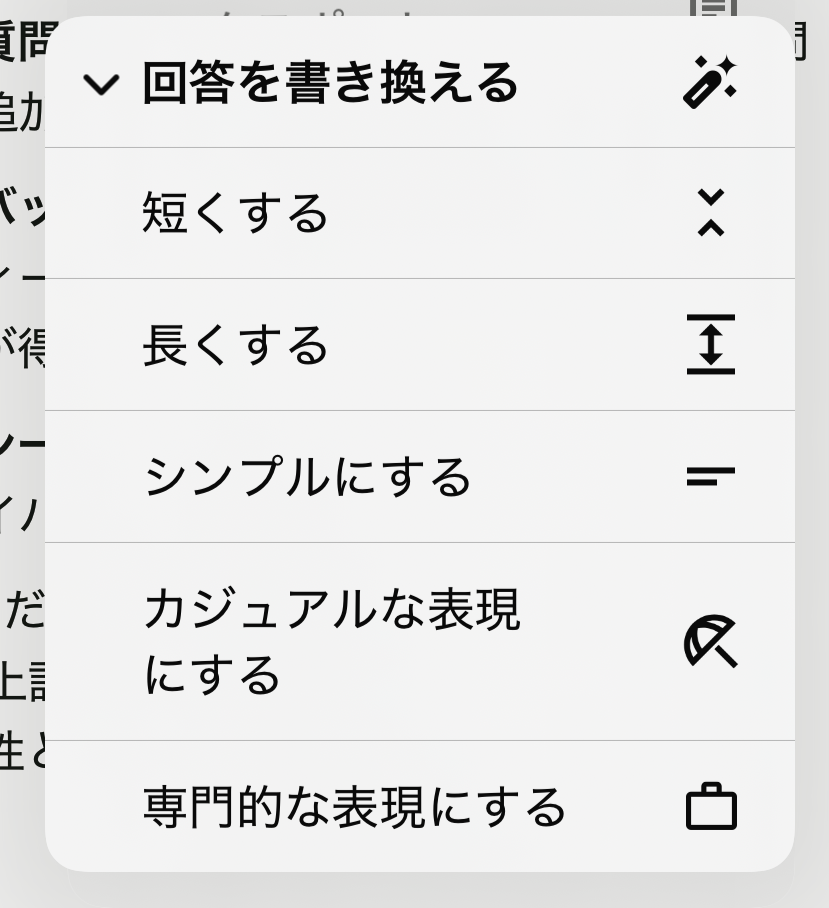
On the mobile app, tap the "More icon" below the answer and select "Rewrite answer" from the menu that appears. You can easily rewrite the text to suit your purpose.
Tips for successfully using regeneration and rewriting
Convey the points specifically
Rather than vaguely saying, ``Do it better,'' Gemini will be able to more accurately understand your intentions if you are more specific, such as ``I would like you to make your sentences shorter'' or ``I would like you to use simpler phrasing.''
Note that it regenerates the latest answer
Only the latest answers will be regenerated. If you want to revert to the previous answer and then regenerate, use the "arrow icon" to switch versions, make that version the latest version, and then regenerate.
Save and compare multiple versions
Try switching between different versions to find the answer that suits your preferences. By comparing them, you may find an answer that better suits your purpose.
summary
If you want to start over with Gemini, try regenerating the answer first.Simply click or tap the regenerate icon to get a new version of the answer, and use the arrow icon to easily switch between previous answer versions.
moreoverBy taking the approach of rewriting your answers while continuing the conversation, you can freely customize your answers by shortening the expressions, changing the tone, or asking for more detailed explanations.is.
With just a few adjustments, you can get an answer that fits your needs perfectly. Make full use of Gemini's conversation features and enjoy more satisfying interactions.